Enable HP AI for print in the HP Smart app
Printing friction slows work, pulls focus away from priorities, and creates unnecessary interruptions. This video shows how AI-powered features built into the HP Smart app enhance the printing experience by adding intelligence, automation, and simplicity to everyday tasks. Watch the video to see how HP AI helps workflow more smoothly, then reach out to Sandia Computers to discuss how smarter print experiences fit into your broader workplace strategy.
What is the current playback status?
The current playback status shows that you are currently behind the live point of the stream. It indicates that the stream is live, but you may need to seek to catch up to the live broadcast.
How can I adjust caption settings?
You can access the caption settings dialog to customize your caption preferences. This allows you to turn captions on or off and adjust their appearance according to your needs.
What are the text customization options available?
You can customize text color, background color, transparency, font size, and font family. These options help you personalize your viewing experience to better suit your preferences.
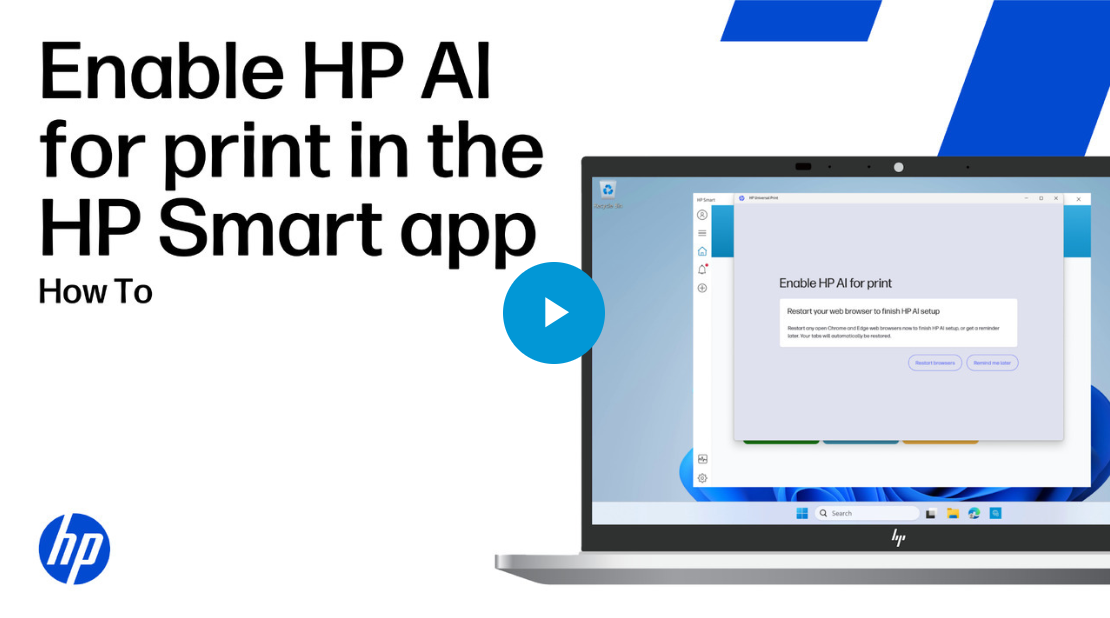
Enable HP AI for print in the HP Smart app
published by Sandia Computers
 Revolutionize Your Tech Experience with Albuquerque’s #1 Computer Company!
 Leading the Way in Computer Hardware, Software, Repairs, and IT Solutions
 Expertise and Experience You Can Trust
 Unlock Your Device’s Full Potential Today!
 Fast and Reliable Computer Repairs
 Tailored IT Solutions for Businesses and Individuals
 Exceptional Customer Service Guaranteed
 Contact Us 505-332-7777 to Supercharge Your Tech Journey!
 3625 Wyoming Blvd NE, Albuquerque, NM 87111
#1techcompany #computersolutions #ITExperts #albuquerque #itsolutions




 Sign in with LinkedIn